Free to use
No credit card required

Video To Text Converter

Convert video to text easily with AI. Edit, format, translate your text with 100+ languages. Ideal solution for YouTube videos, interviews, podcasts, social media content.
15k+ users and growing
Video To Text AI Features

Convert Video and Audio To Text With One Click

It has never been easier to get text from video or audio and edit it as needed.
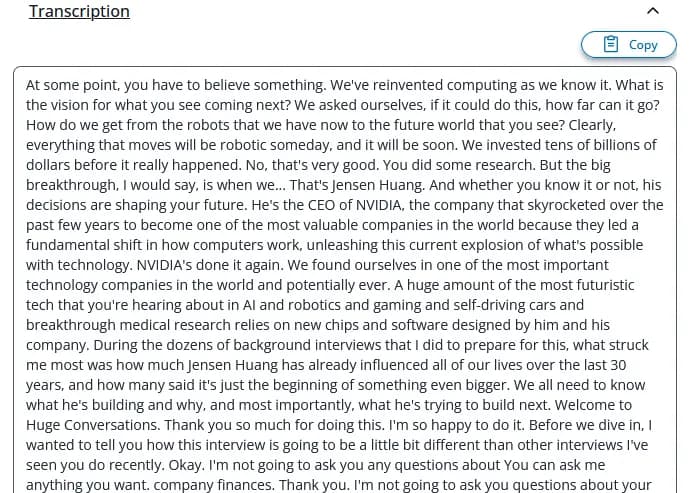
Edit Text

Edit Text

We convert speech from your audio or video file to accurate text and subtitles, which you can edit as needed.
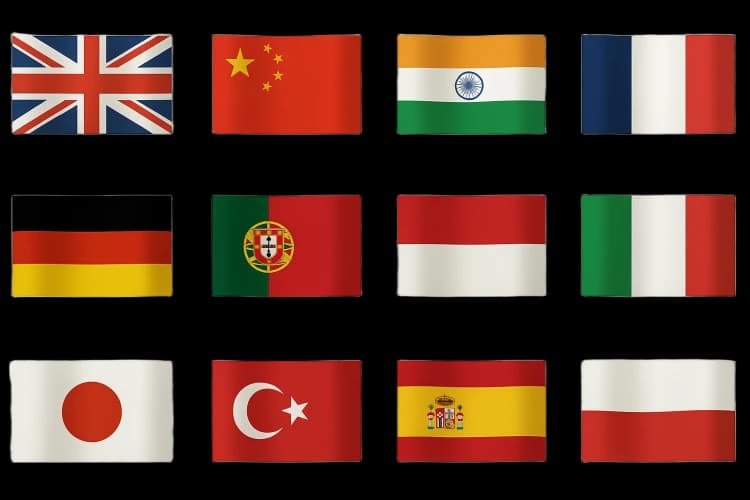
Translate Text

Translate Text

Translate text to multiple languages. We provide over 100+ different languages, which you can translate your text into.
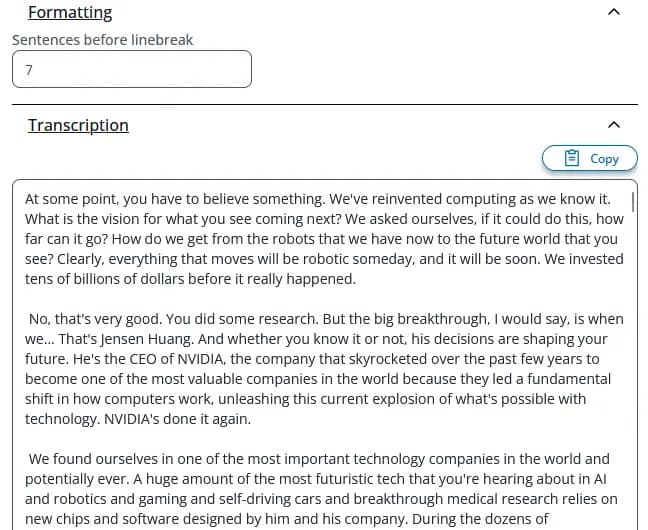
Format Text

Format Text

Easily format your text — group sentences together or split them apart.
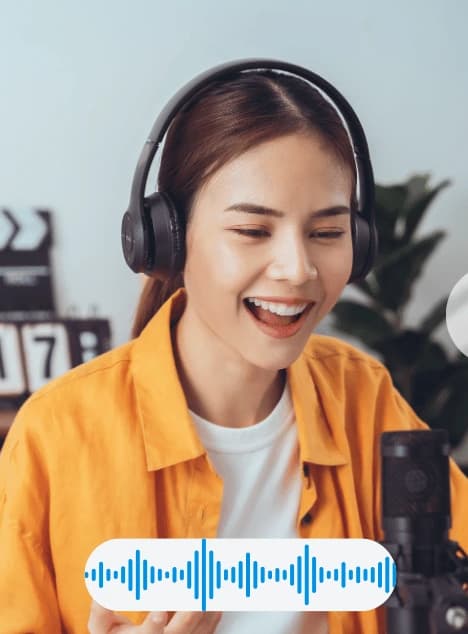
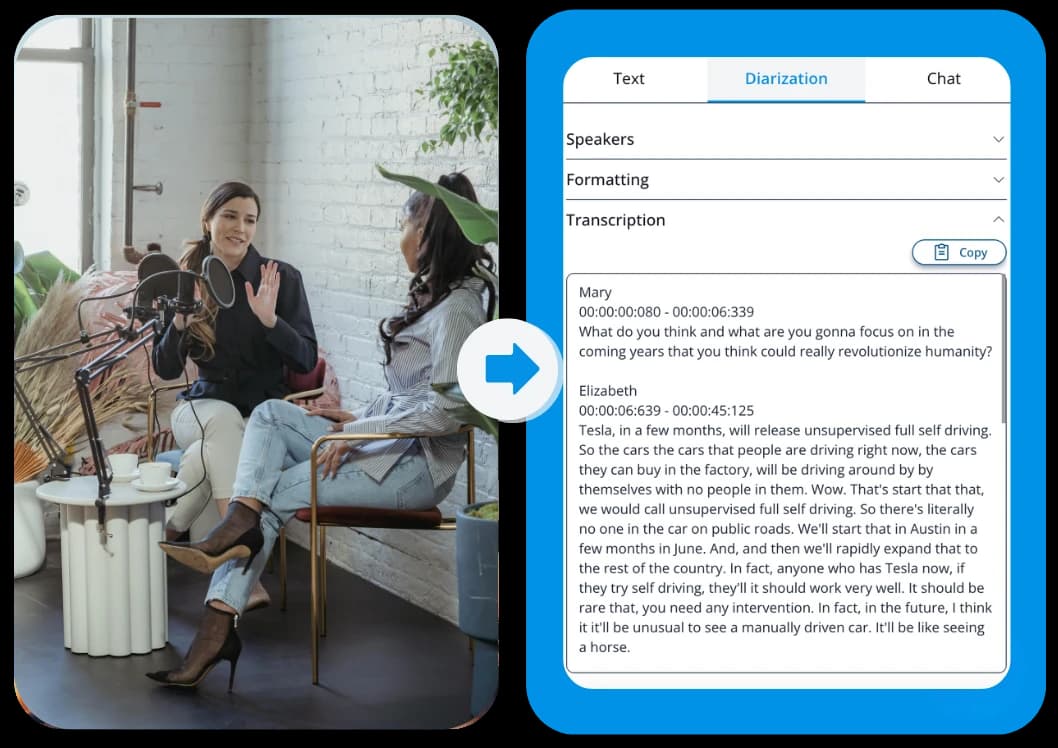
Add Speaker Recognition

Add Speaker Recognition

Automatically detect and label who is speaking throughout your audio or video.
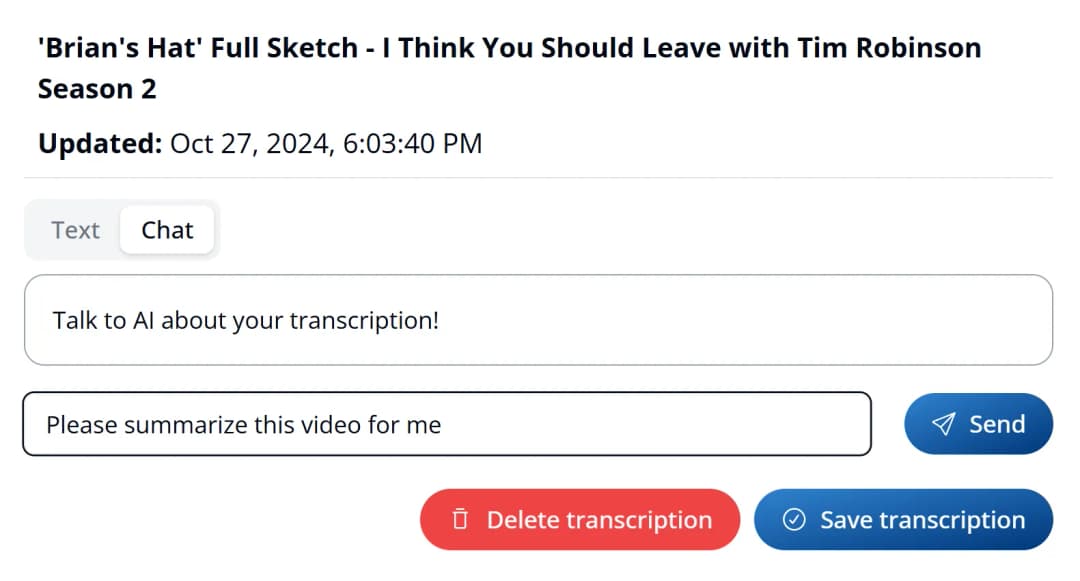
Chat With AI

Chat With AI

Summarize transcription, ask questions, filter information and much more. Talk with AI about your transcription file.
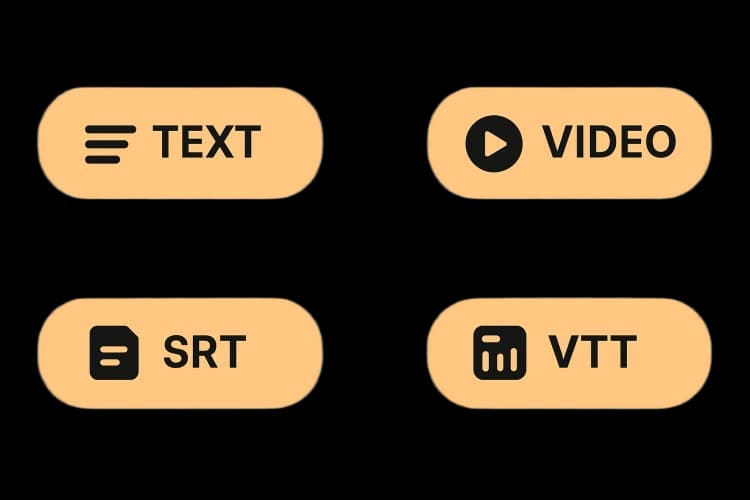
Download Text, Subtitles or Video

Download Text, Subtitles or Video

Take your transcription with you as Text, SRT, VTT or in video format.


How To Transcribe Audio or Video

Upload your video with one click and get accurate transcription in return.
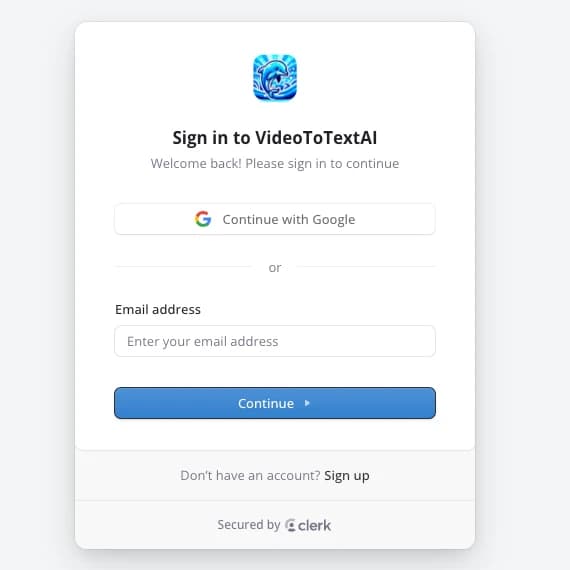
Image 1
Image 2
Image 3
Image 4

Step 1: Sign in

Log in or create an account on Video To Text AI. You will be taken straight to your dashboard afterward.

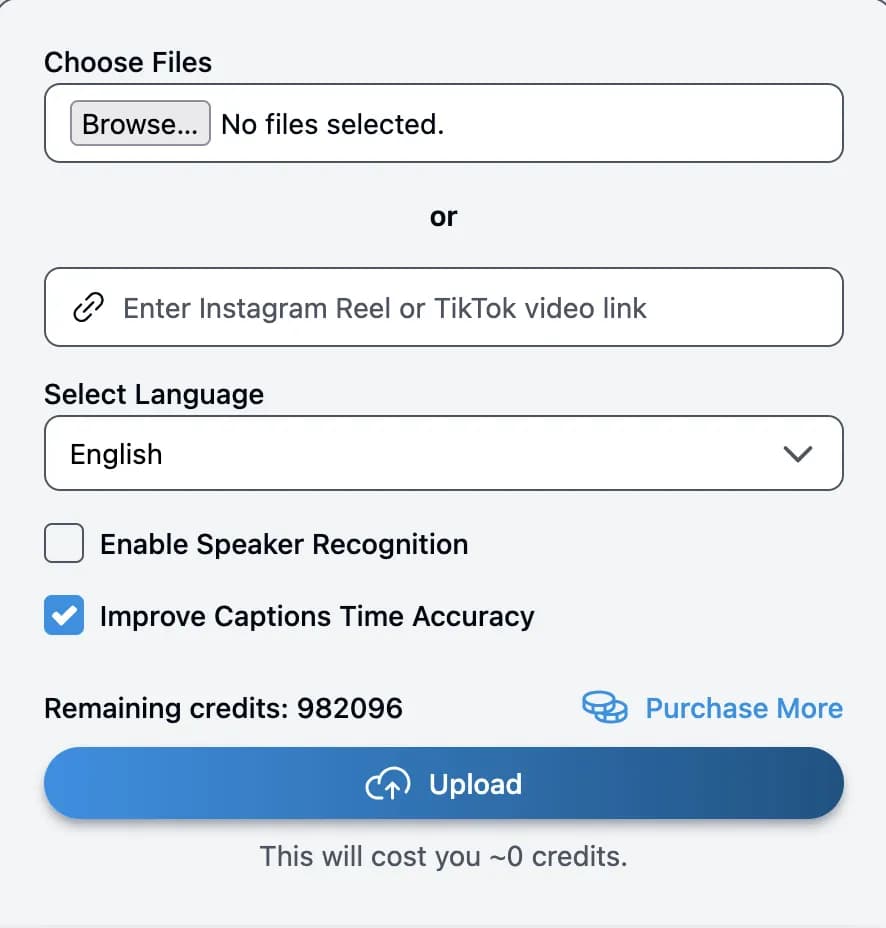
Step 2: Upload File

Select files from your computer or enter a YouTube video link. Click "Upload" and wait for your transcribed file.

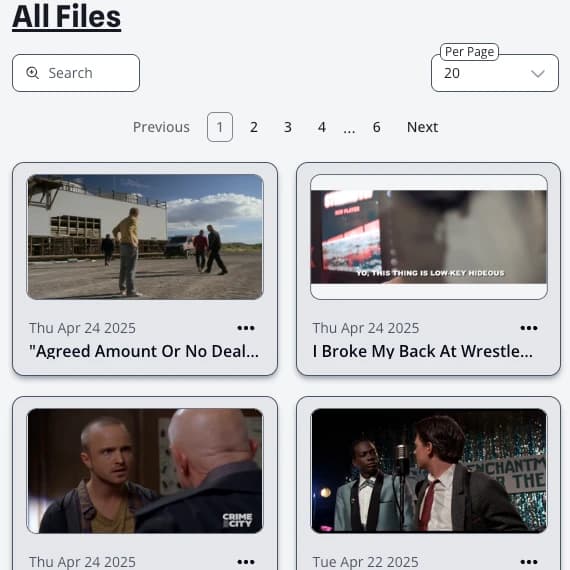
Step 3: Receive Your Transcription

As soon as your upload starts, you will see your file in the list. When it's done processing, you can open it.

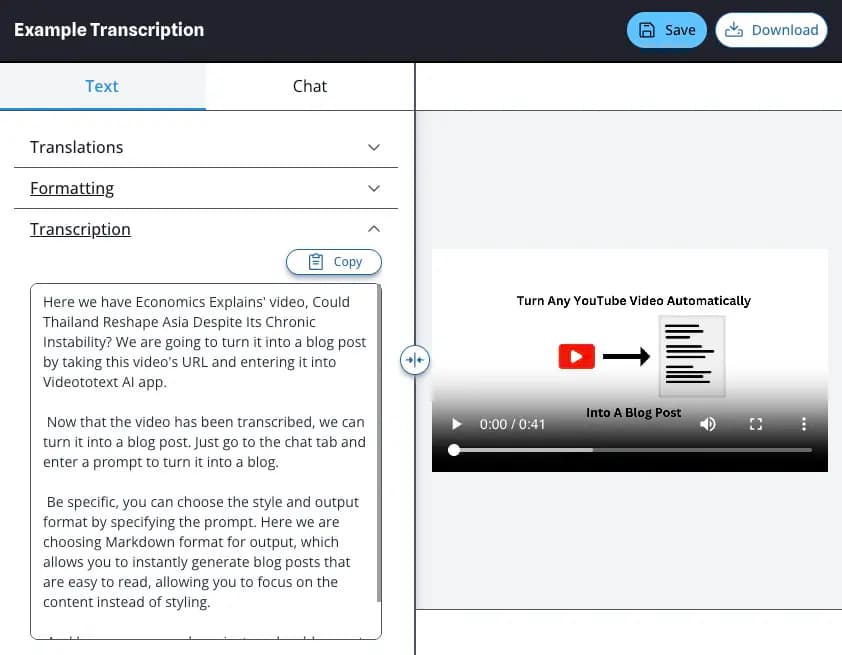
Step 4: Edit and Download Text, Subtitles or Video

Now you can edit text and captions, translate your file to different languages and use AI chat with your transcription. You can export your transcription to text, subtitles or video file.

Try Free Now

Frequently Asked Questions

What is Video to Text transcription?
Video to text transcription is the process of converting a video, specifically the audio part, into a text file. From journalists needing to select a quote for their article from a recent interview, to businessmen needing a written record of a meeting, to a student wanting study notes from a lecture, there are plenty of scenarios where having a text file is more convenient than a video recording.
What is Video to Text AI?
Video to Text AI is our automated transcription tool that converts video or audio into editable text in minutes. It is built for fast, accurate transcripts you can export as TXT, SRT, or VTT.
What are the main ways to convert a Video to Text?
There are three main methods to do so; doing it yourself (DIY), using an AI video to text transcription software, or using a human transcription service. Video To Text AI offers the automated option which is the fastest.

Manually converting your video to text is an extremely time consuming process, on average professional transcribers will take 3-4 hours to transcribe 1 hour of audio. Our AI transcription software uses the state-of-the-art speech recognition technology to transcribe your video in a few minutes with 99% accuracy.
How do I turn my video into text?
To transcribe a video into text, you should use an online tool like Video To Text AI. Just upload your video, then choose a language and press the Transcribe button. You will receive your transcript in minutes!
Is there an AI (Artificial Intelligence) that can transcribe a video?
Yes, there are multiple AI models that are able to transcribe a video. One of the best at the moment is Whisper, on which Video To Text AI is built upon. That means you can transcribe any video file using Video To Text AI's free AI transcription tool.
Can I transcribe video using ChatGPT?

You can, but ChatGPT is not a video transcriber. Video To Text AI extracts clean, time-aligned text from video first, then you can paste that transcript into ChatGPT for summaries, rewrites, or highlights. For the full workflow, see how to transcribe video with ChatGPT. It is faster, more accurate for video, and built for long files.

Can I transcribe a YouTube Video?
Yes, of course, you can! With Video To Text AI, you can easily upload the video you downloaded from YouTube that you want to transcribe into our editor and convert your YouTube video to text instantly.
How do I extract lyrics from a YouTube video?
  1. Paste the YouTube URL into the video-to-text tool.
  2. Choose Transcribe and generate the full transcript.
  3. Search the transcript for the song section.
  4. Copy the lyrics and clean up line breaks if needed.
Can AI translate my video into multiple languages?
Yes, AI can translate videos by combining different AI models. Video To Text AI is recognized as one of the best video translation software solutions, offering support for over 100 languages with high accuracy. It makes video translation simple by handling everything for you. So just upload your video and AI will translate it for you into the languages you choose!
Do you also support audio to text?
Yes, Video To Text AI supports audio and video files. Just drop an audio file into our editor and Video To Text AI takes care of everything else.
Which file formats and lengths do you accept?
Video To Text AI ingests many different video and audio formats (.mp3, .mp4, .mpeg, .mpga, .m4a, .wav, .webm) and files up to 5 GB or 2 hours.
Is there a free plan?
Yes — every account starts with 60 free credits per month (1 credit = 1 minute of transcription) and no credit-card is required. Upgrade any time for extra minutes, longer videos and advanced features.
Does it work on mobile?
Absolutely — page will work in any browser, including mobile ones.